“Just five more minutes!”
It’s been half an hour.

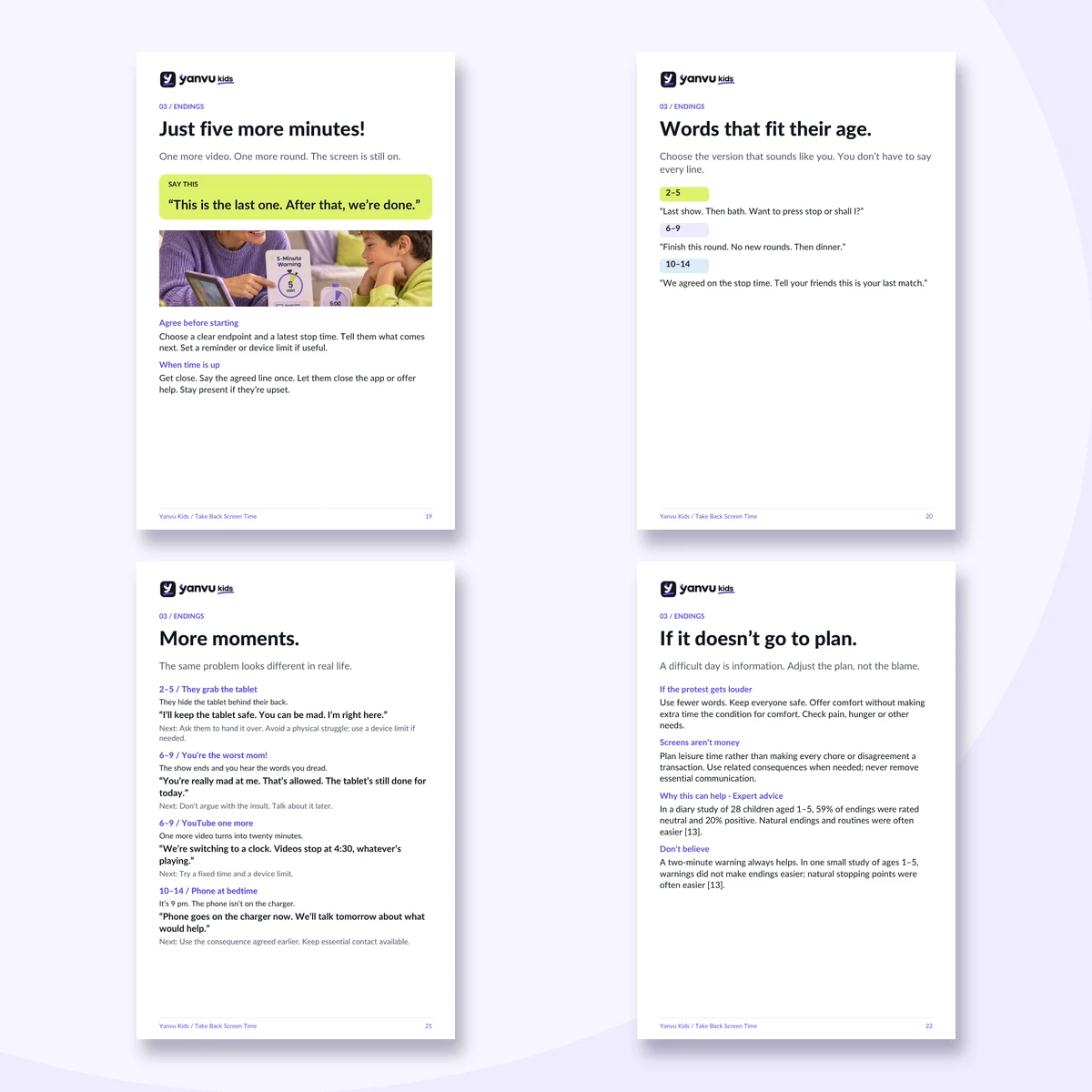
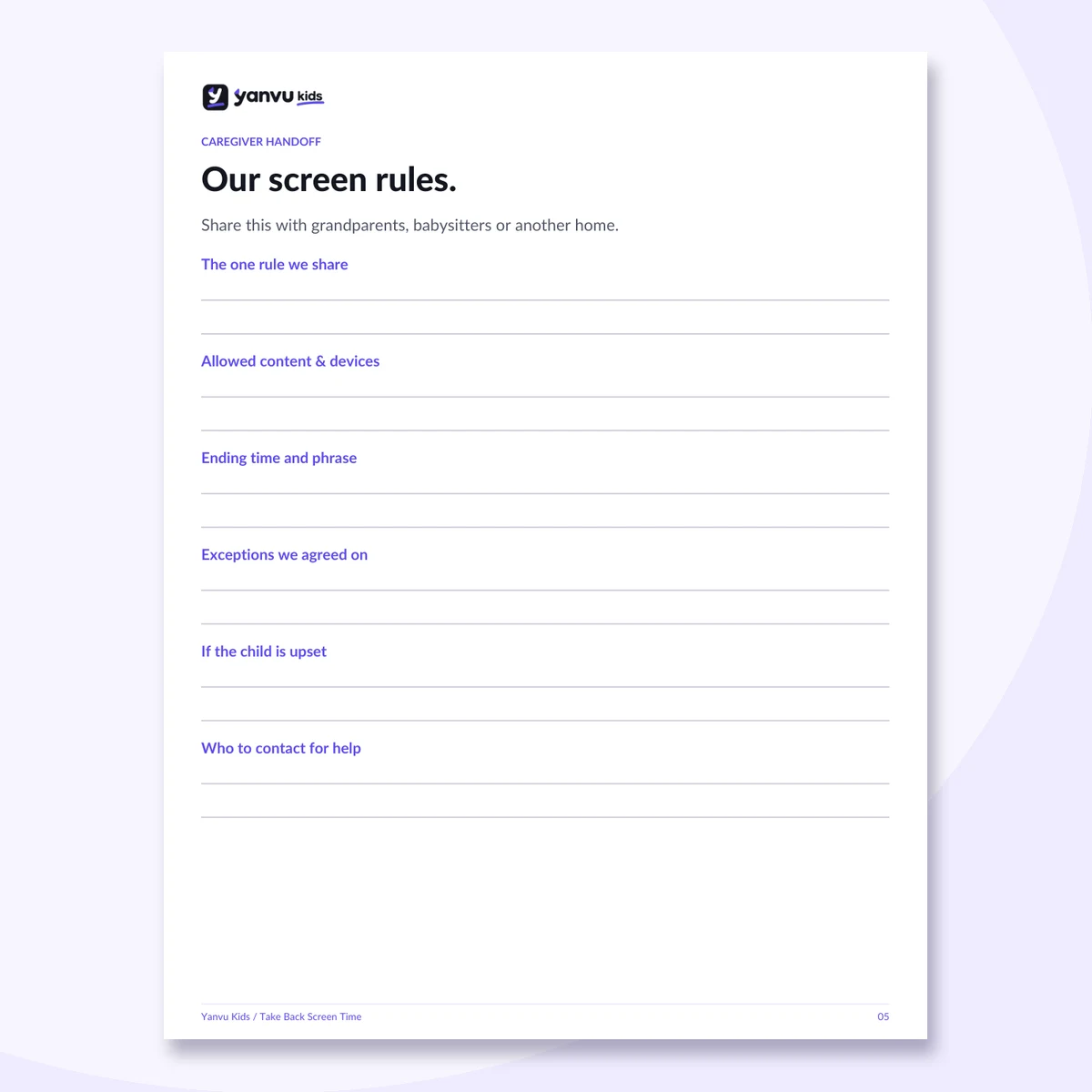
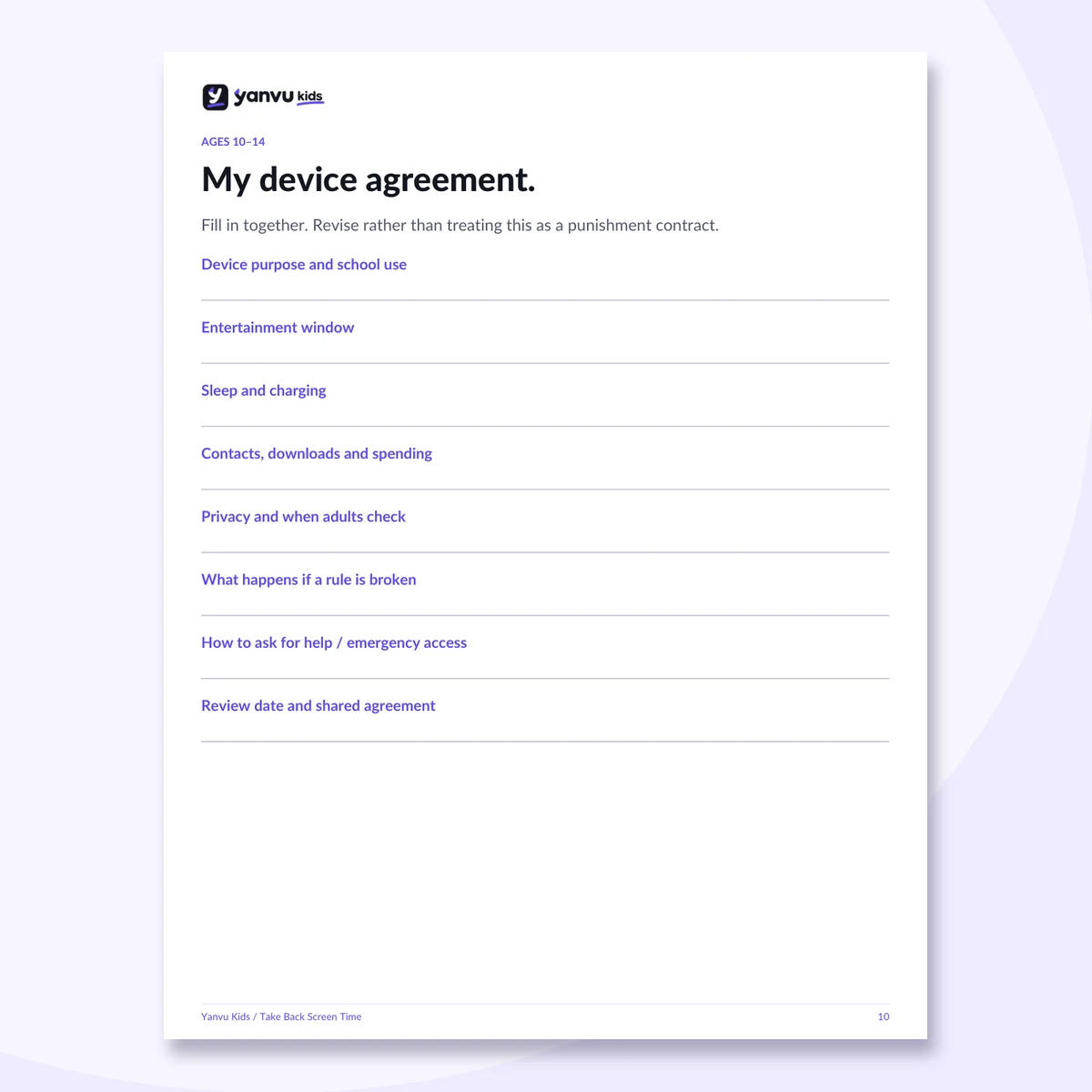
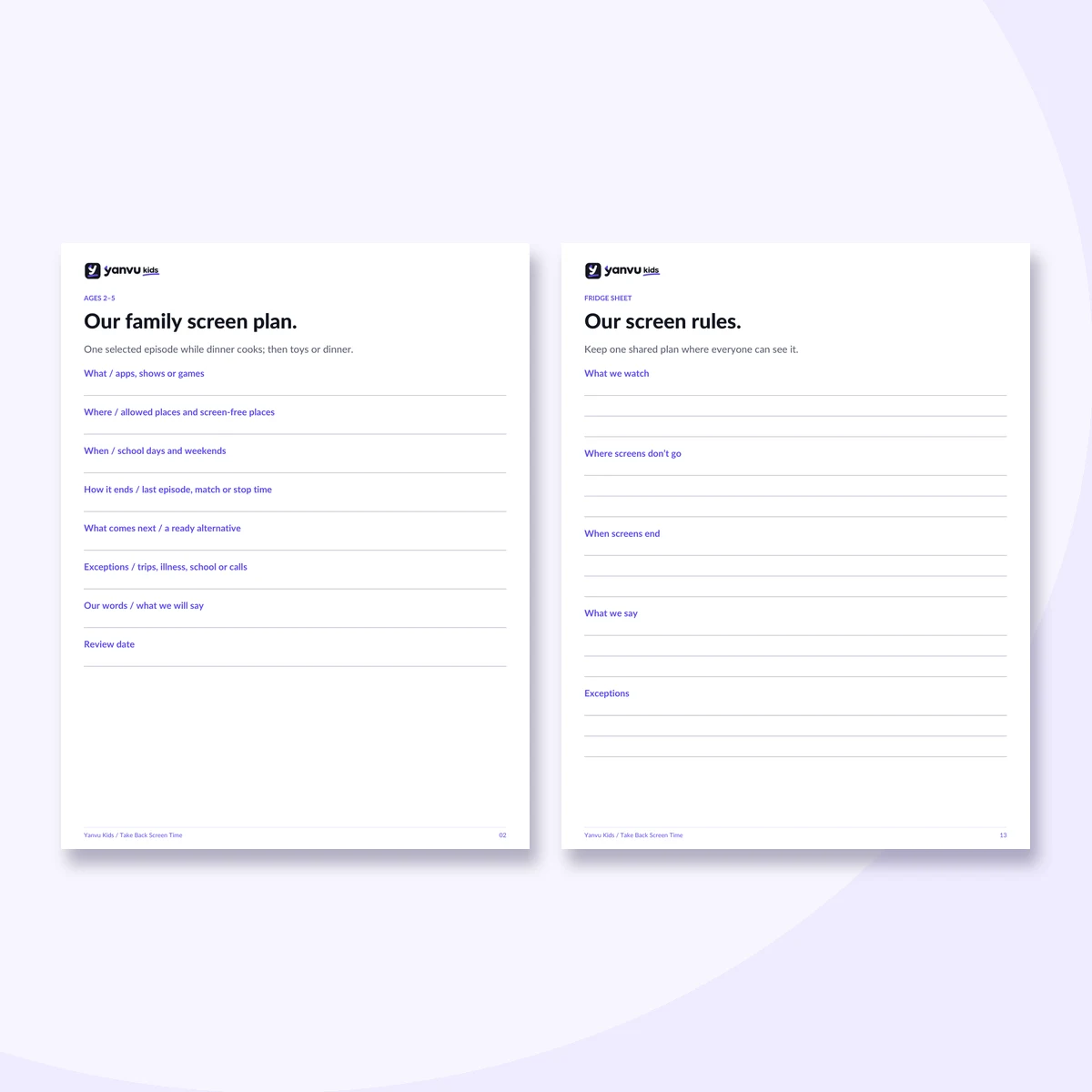
Actual pages and tools from your digital kit. Digital download only.
The parenting manual you never got at the hospital.
Screens running your house?
One more video. One more game. The rules you set yesterday are already falling apart.
Ready-to-use words, clear family rules and a 7-day plan to take back control.
Digital download · No subscription
Start tonight with one small change.
It’s been half an hour.

The tablet is the only thing that works.

The phone is still on.

Different adults. Different rules.
of surveyed U.S. parents of kids 12 and under have screen rules.
of all surveyed parents always stick to their rules.
Pew Research Center, 2025 · 3,054 U.S. parents
It’s not just willpower. In one study of apps used by 3‑5-year-olds, about 80% included manipulative design features, such as prompts to keep playing, watch ads or spend money. Radesky et al., 2022
Choose your child’s age. Check every statement that fits.
Check at least one statement.
Read the chapter you need tonight.
Age-specific guidance and common myths.
Find your starting point.
Calming, content, endings, routines and other adults.
First devices, passwords, secret use and online games.
One change at a time, with a backup plan.
Support resources in the US and Mexico.
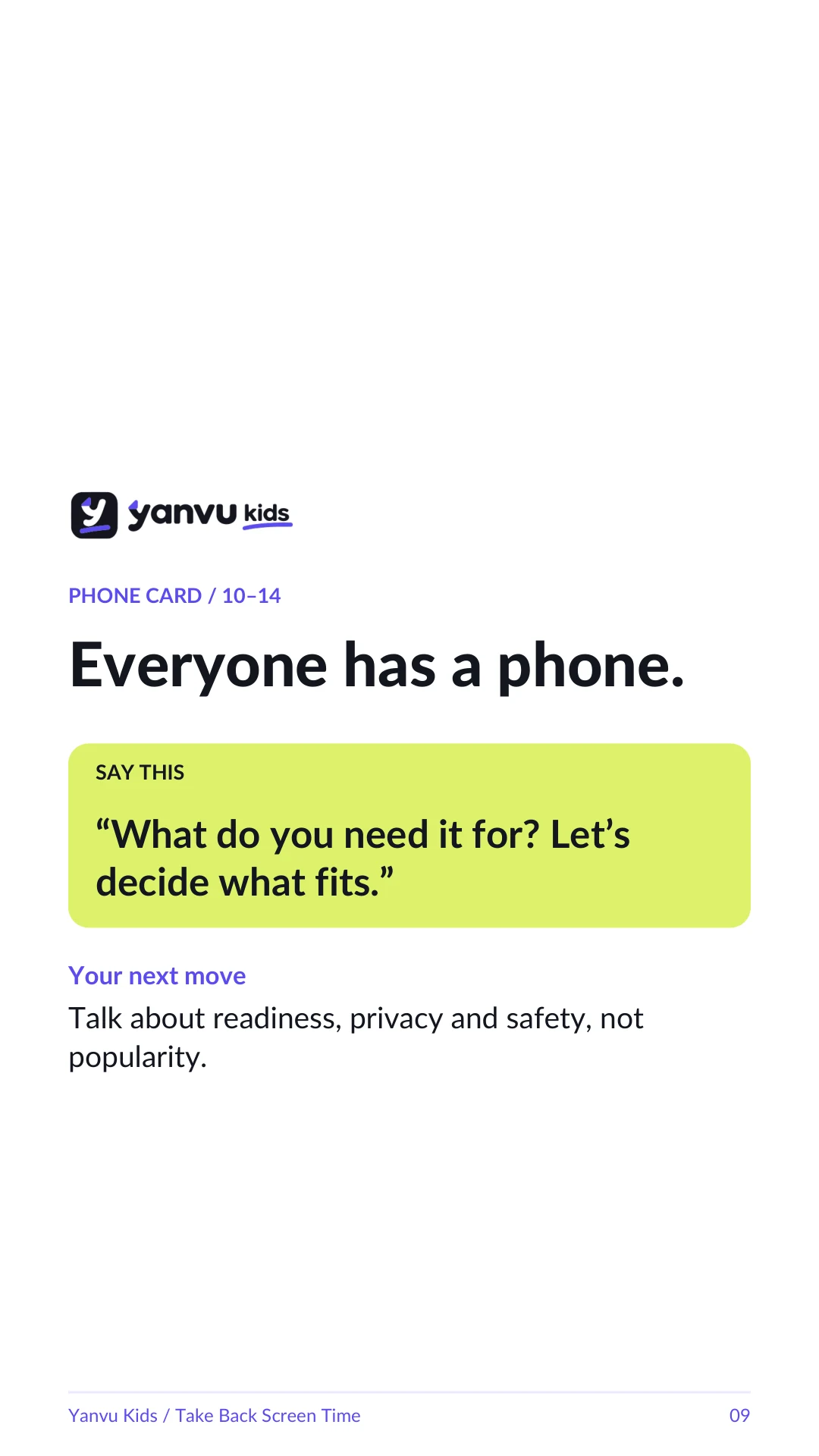
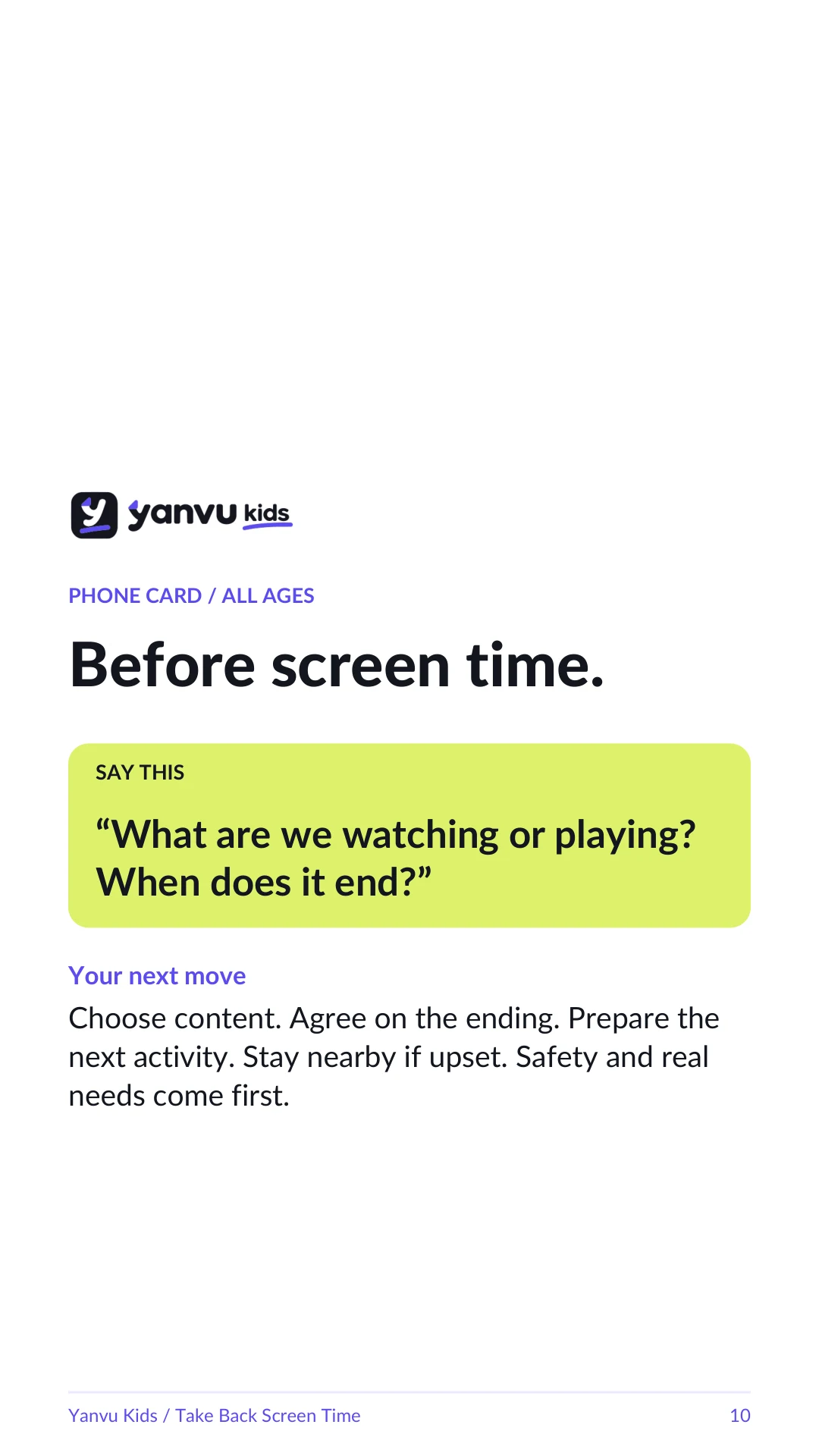
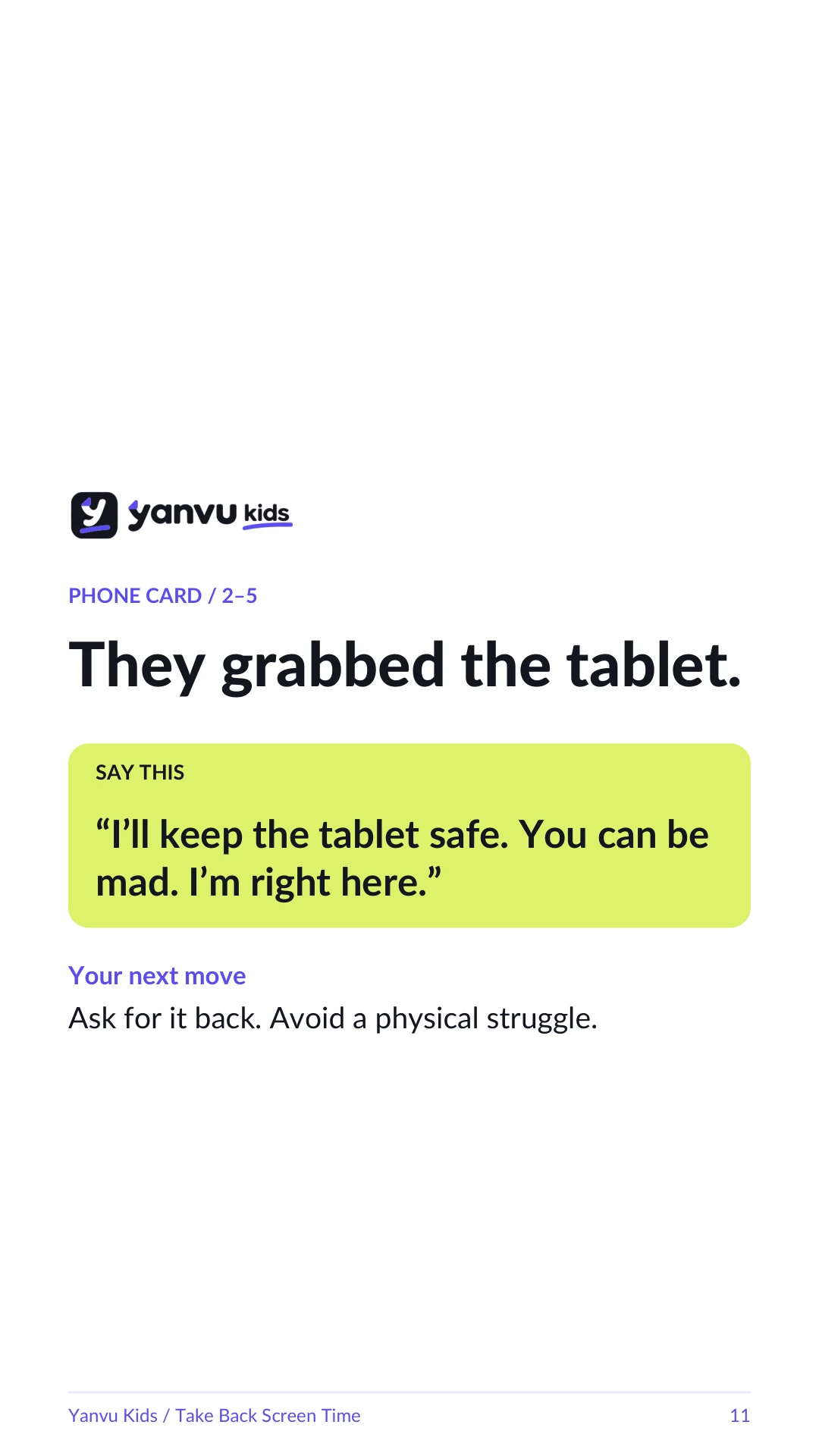
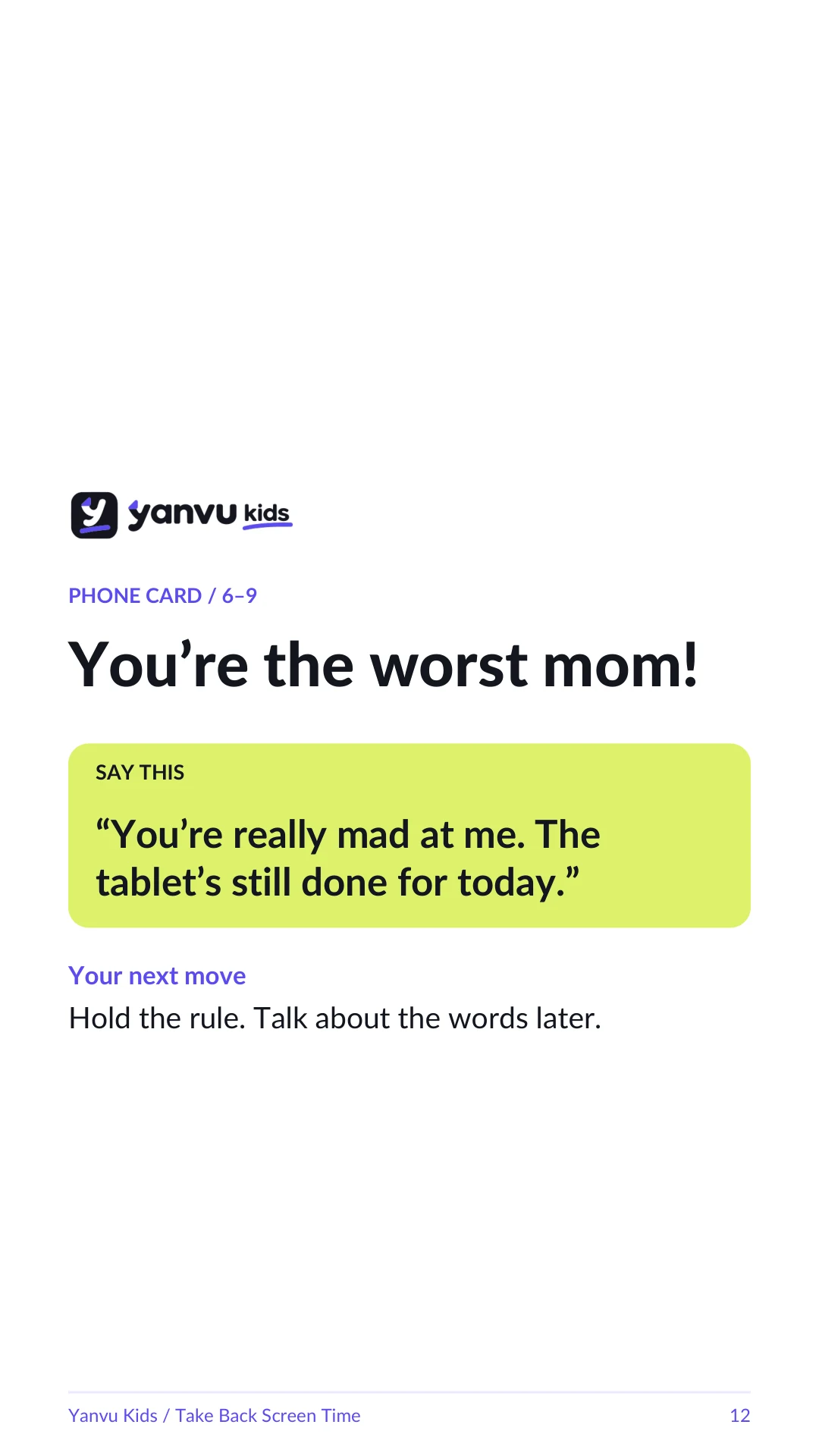
Start with the moment. Find words for their age, more situations and a plan B.
Pages 19‑22 · Endings
Keep the words where you need them.
What, where, when and how it ends.
Hand it to Grandma or the sitter.
A shared plan for ages 10‑14.
iPhone, Android, YouTube and Netflix.
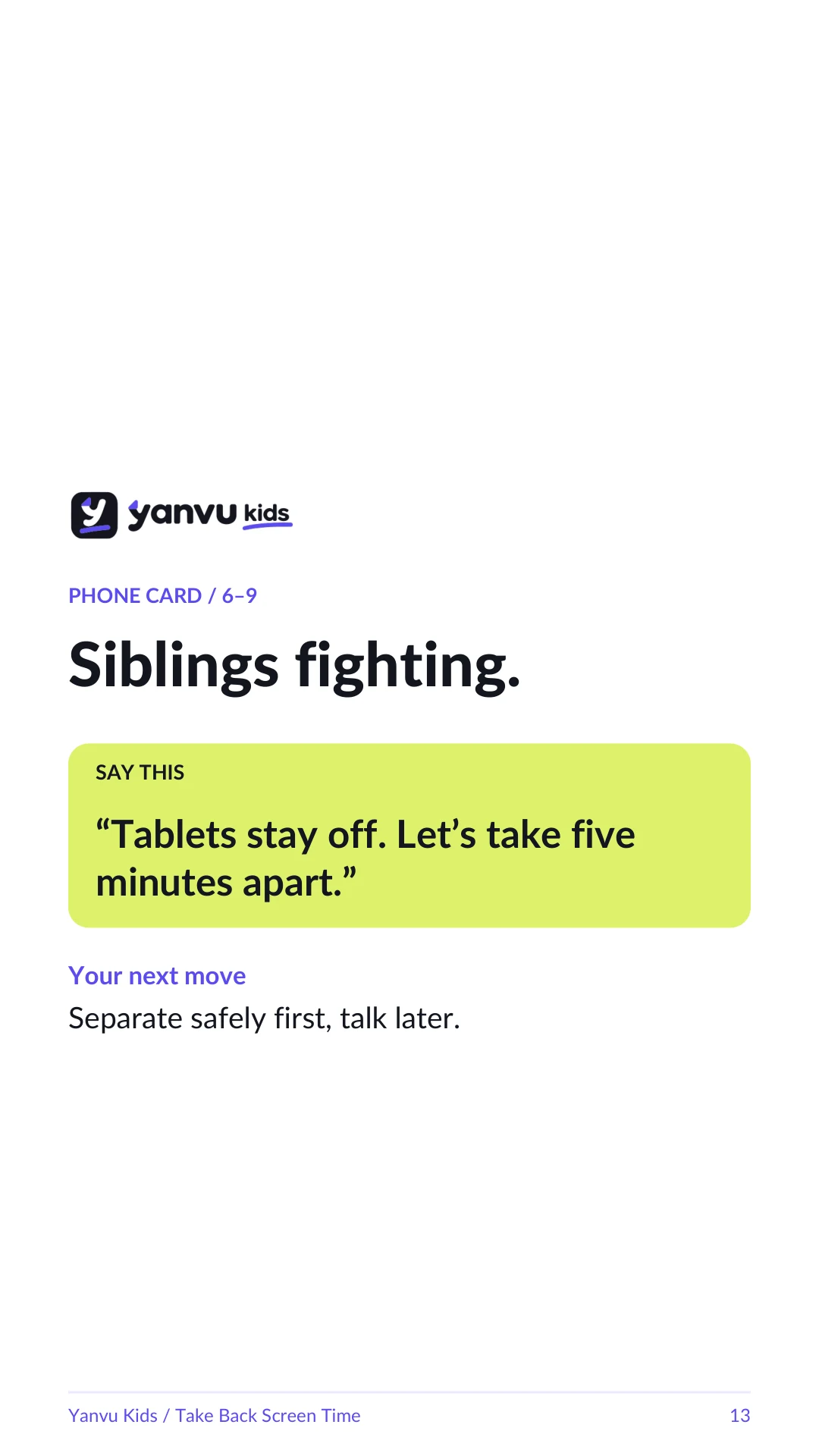
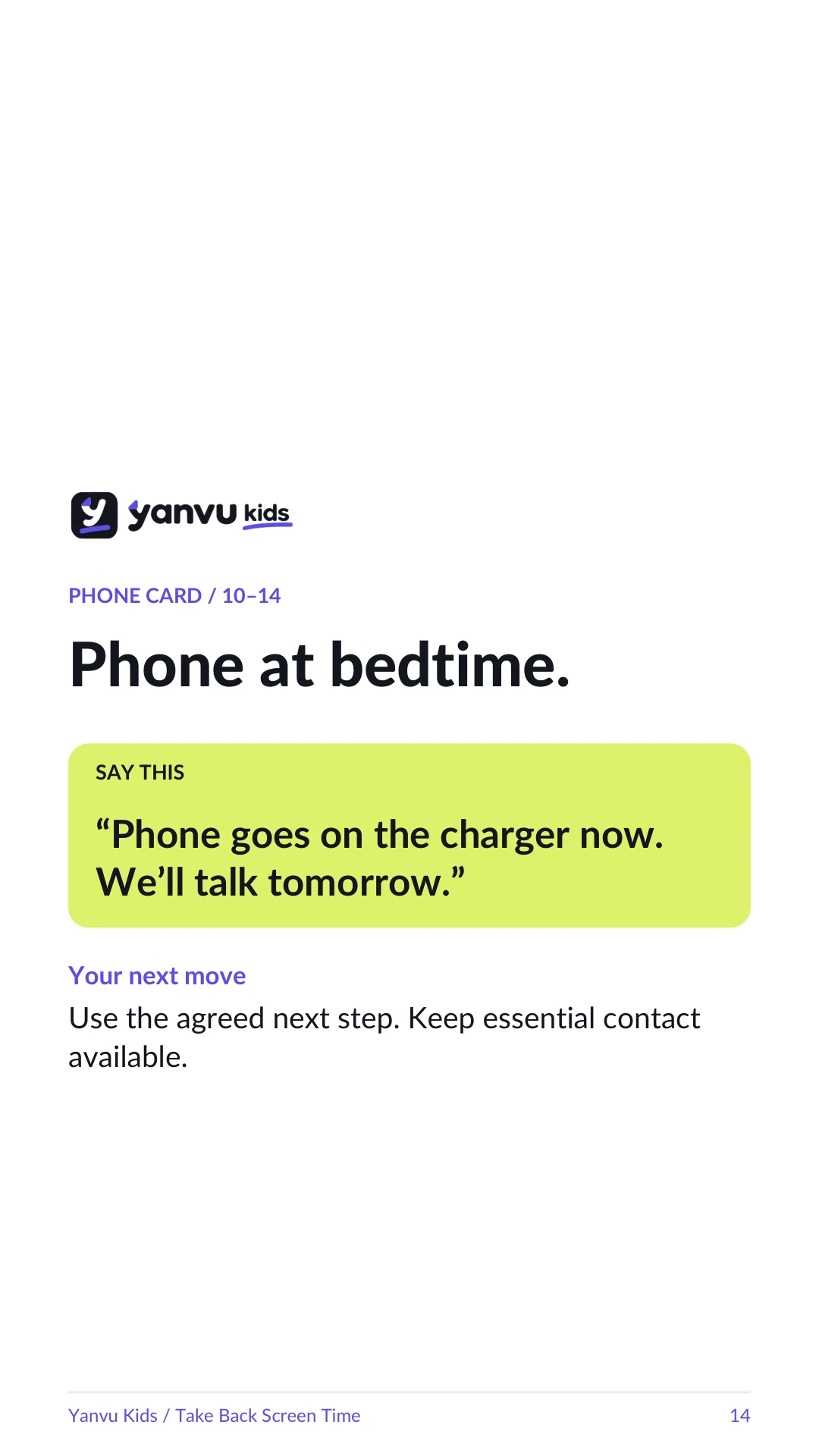
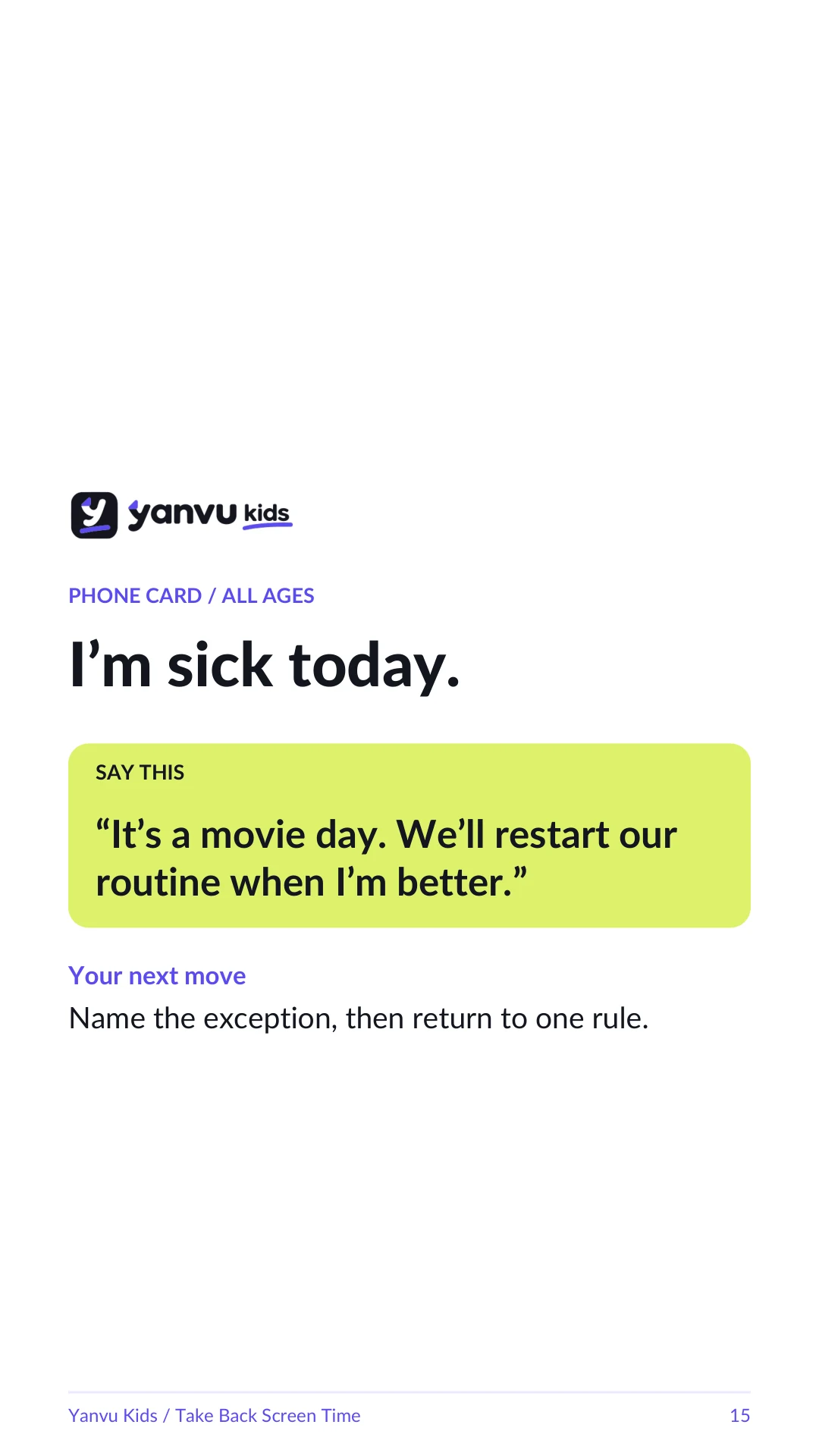
Screen time alone can’t tell you that. Studies find links with language, attention and behavior, but many are modest and can’t prove cause and effect.
One heavy week doesn’t tell the whole story.
“I can start again tomorrow.”
What they watch. What screens replace. When it’s time to stop.
Based on current AAP and WHO guidance, translated into practical steps for your family.
Research blocks in the guide are labeled, so you know what kind of evidence supports them.
24 linked references and resources. Independently created by Yanvu Kids. Not affiliated with or endorsed by these organizations.
Know exactly what to say.
Separate advice for ages 2‑5, 6‑9 and 10‑14.
Ready-to-use plans and device settings.
See what the evidence actually says.
Know what to try when the first step fails.
One small change in about 10 minutes.
Practical guides for the everyday moments nobody gave you a manual for. Clear words, small steps and honest research. No lectures or promises of perfect parenting.
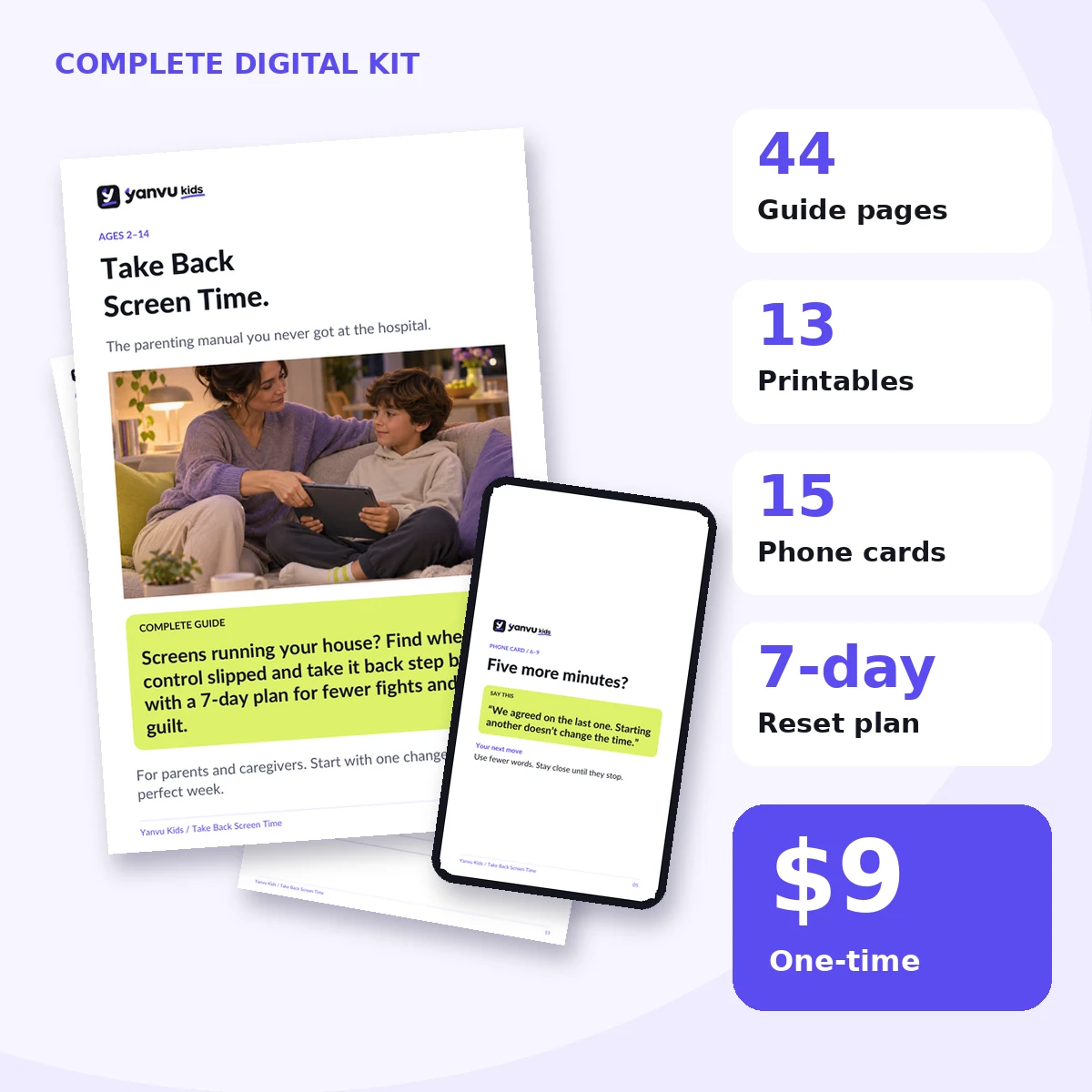
Digital download · No subscription
One-time checkout.
Get the files on the confirmation page and by email.
Take the 2-minute check and make one change.
No. It’s a guide with words and a plan, plus a checklist for iPhone, Android, YouTube and Netflix settings.
No. Every chapter has a section for ages 2‑5.
No. There’s a chapter on passwords, secret use and a device agreement you write together.
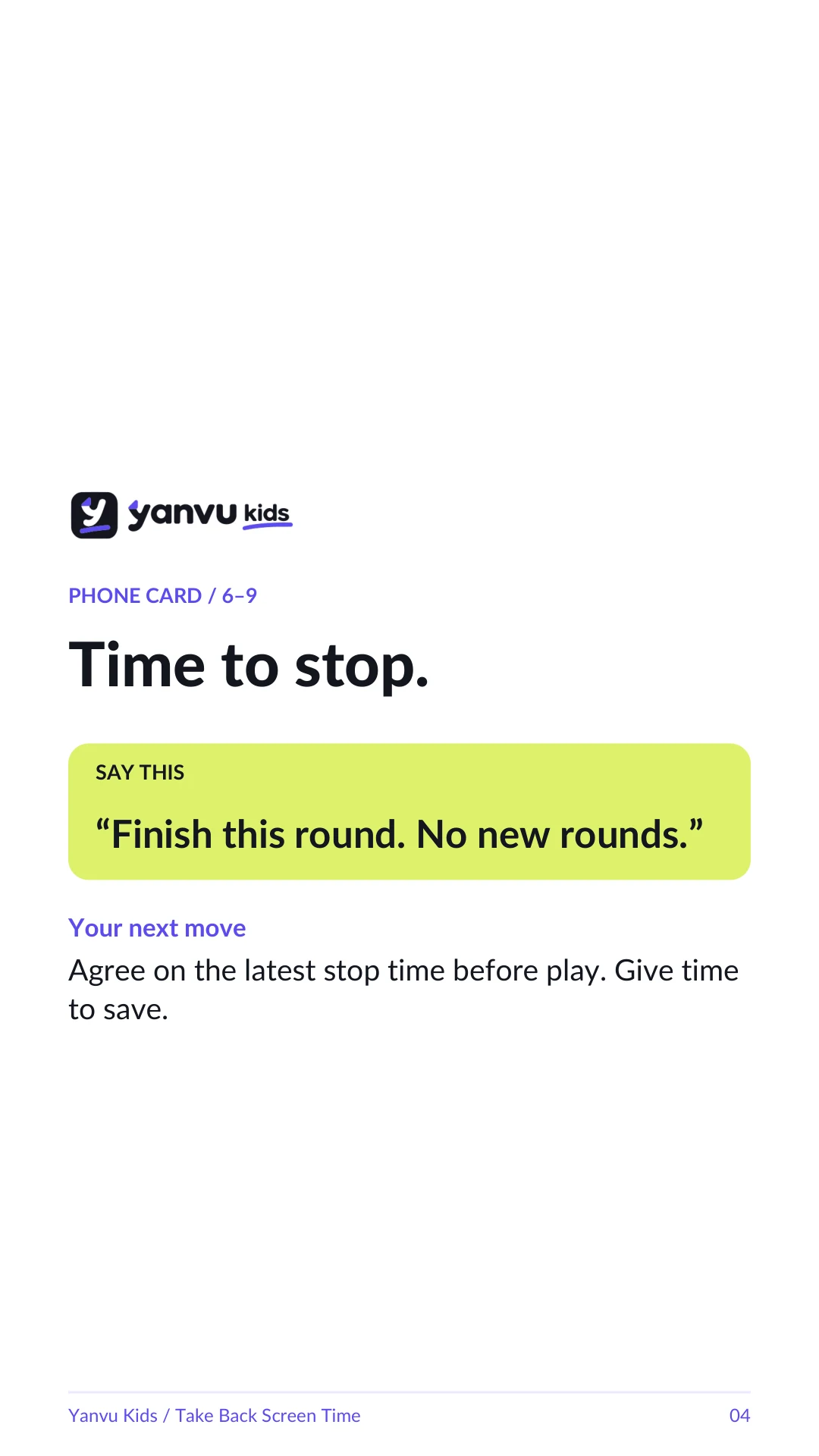
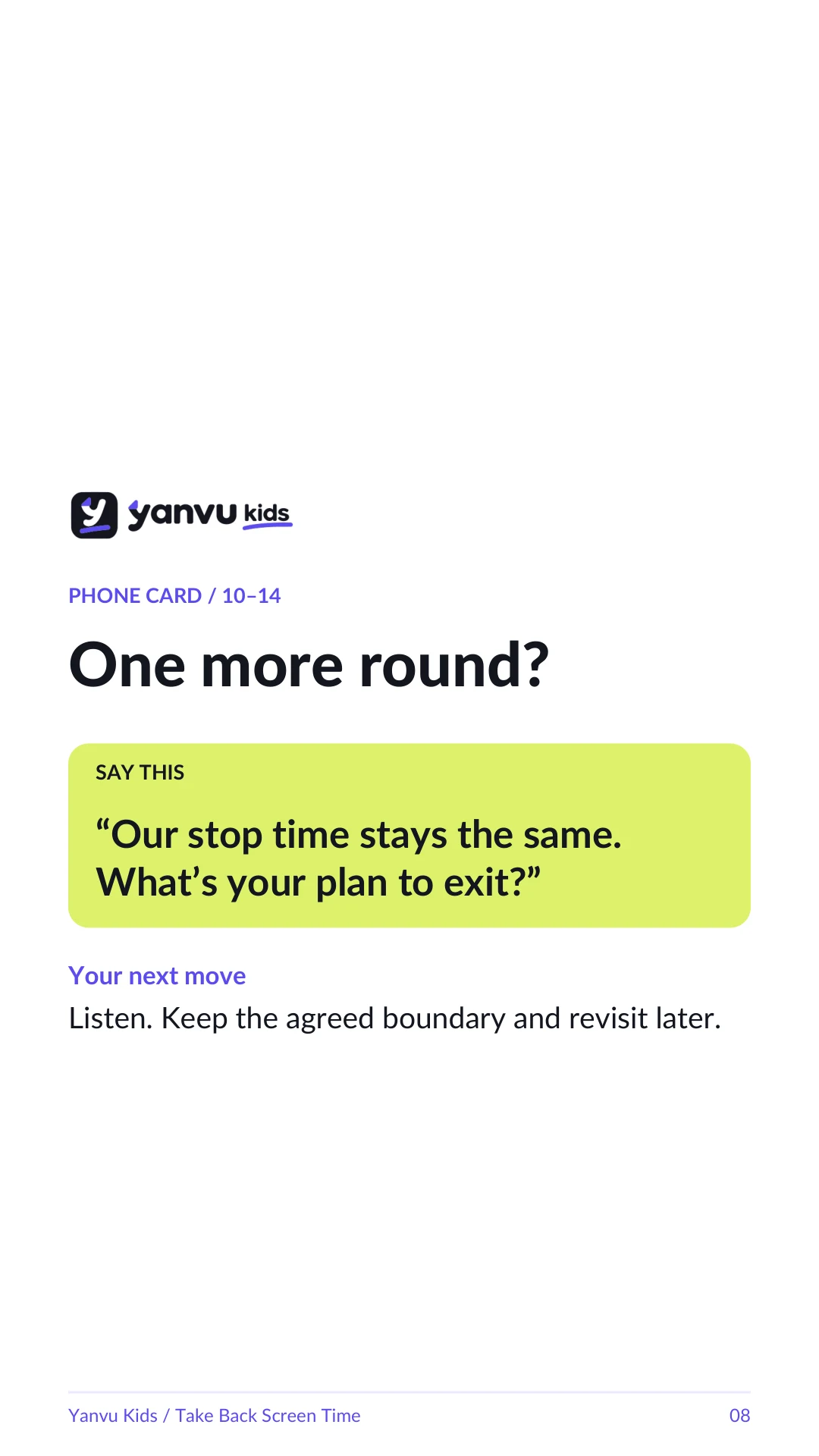
Yes. The guide covers agreed stopping times, one more round, and games that can’t be paused.
No. The guide helps you use them on purpose.
There’s a chapter and a one-page sheet for other caregivers.
WHO recommends up to one hour of sedentary screen time for ages 2‑4; less is better. For older kids, AAP suggests limits that fit your family.
Yes. It includes 24 linked references and resources. Research blocks identify the kind of evidence.
No. $9 once for the complete digital kit.
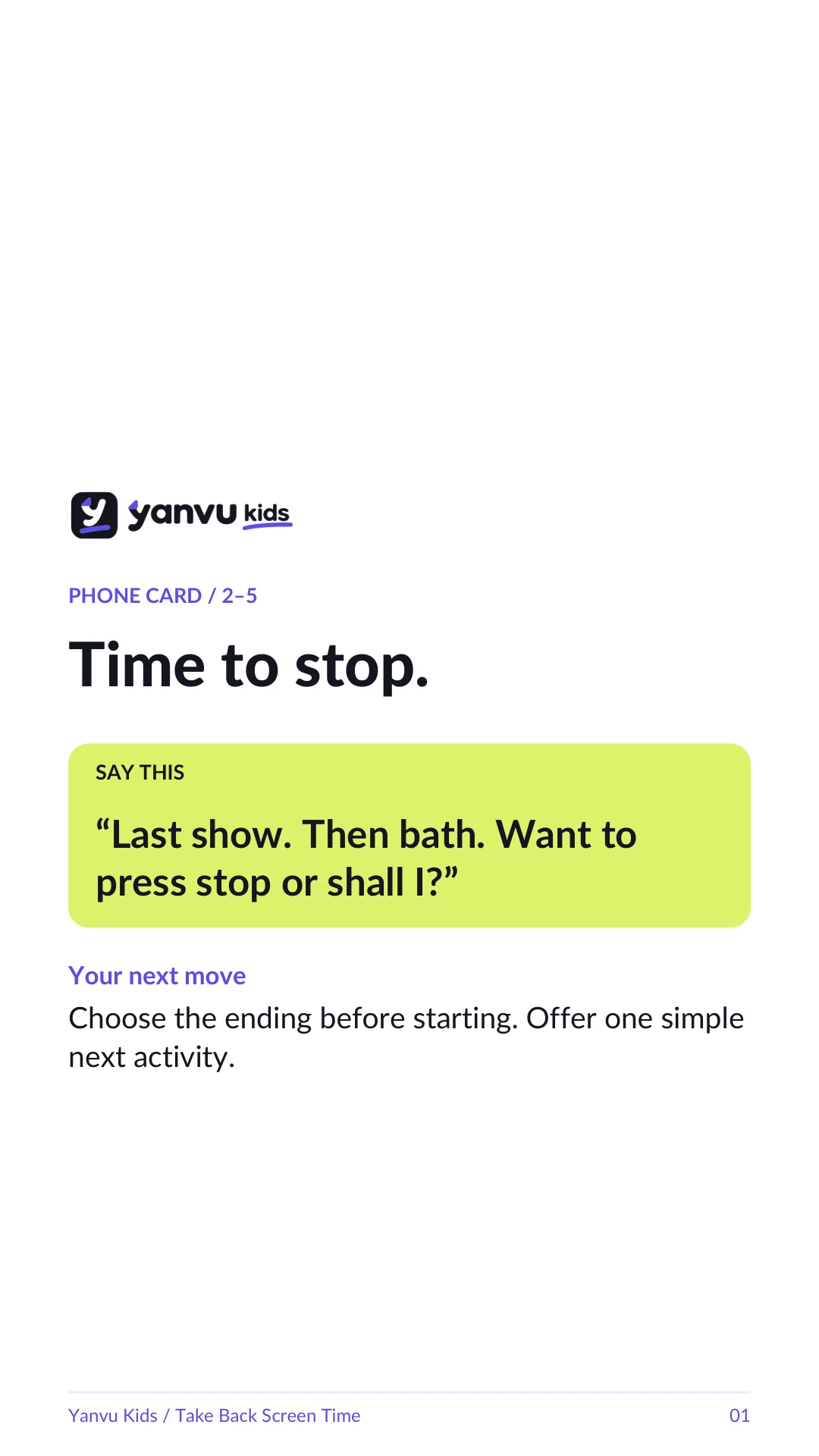
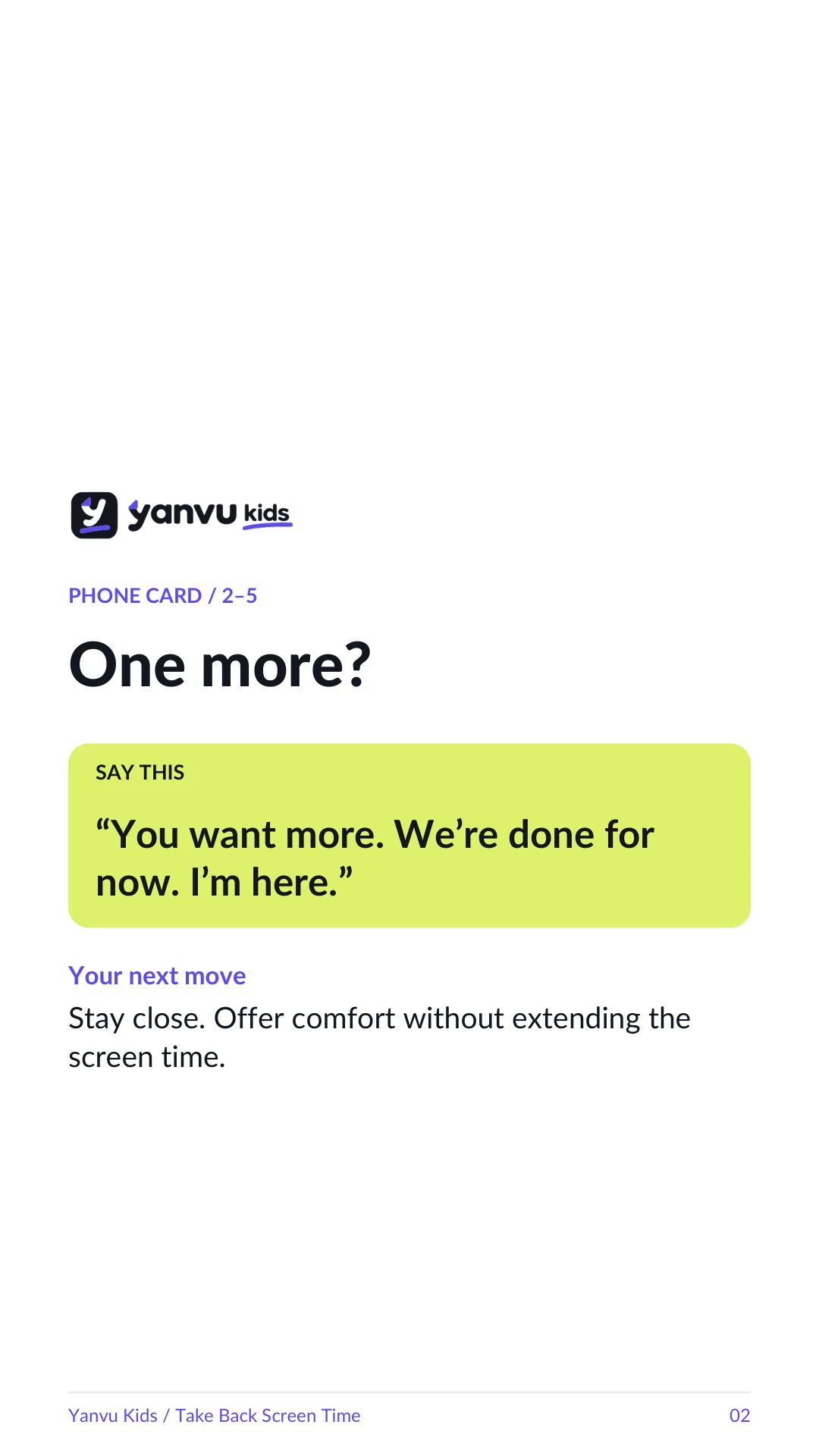
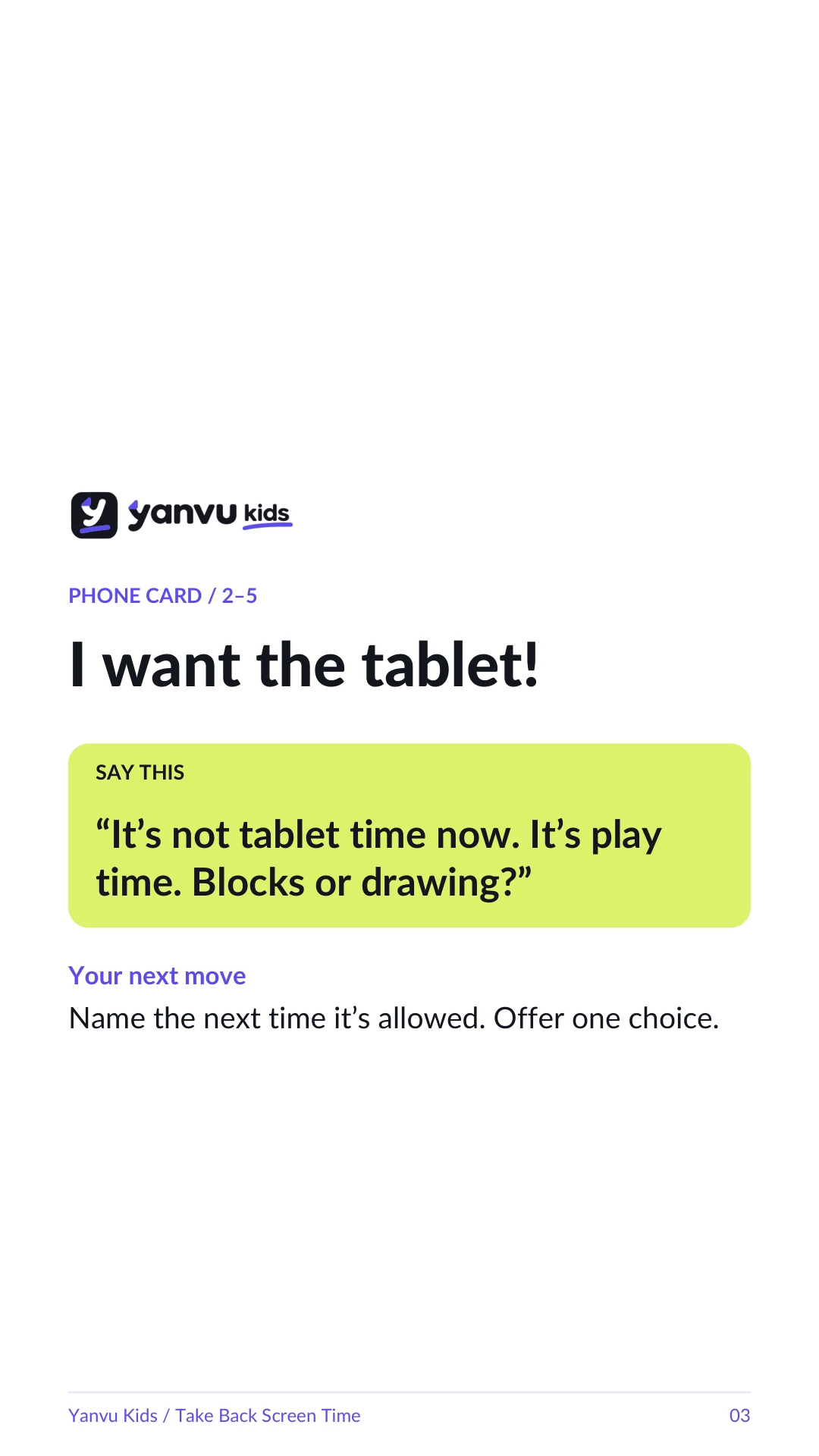
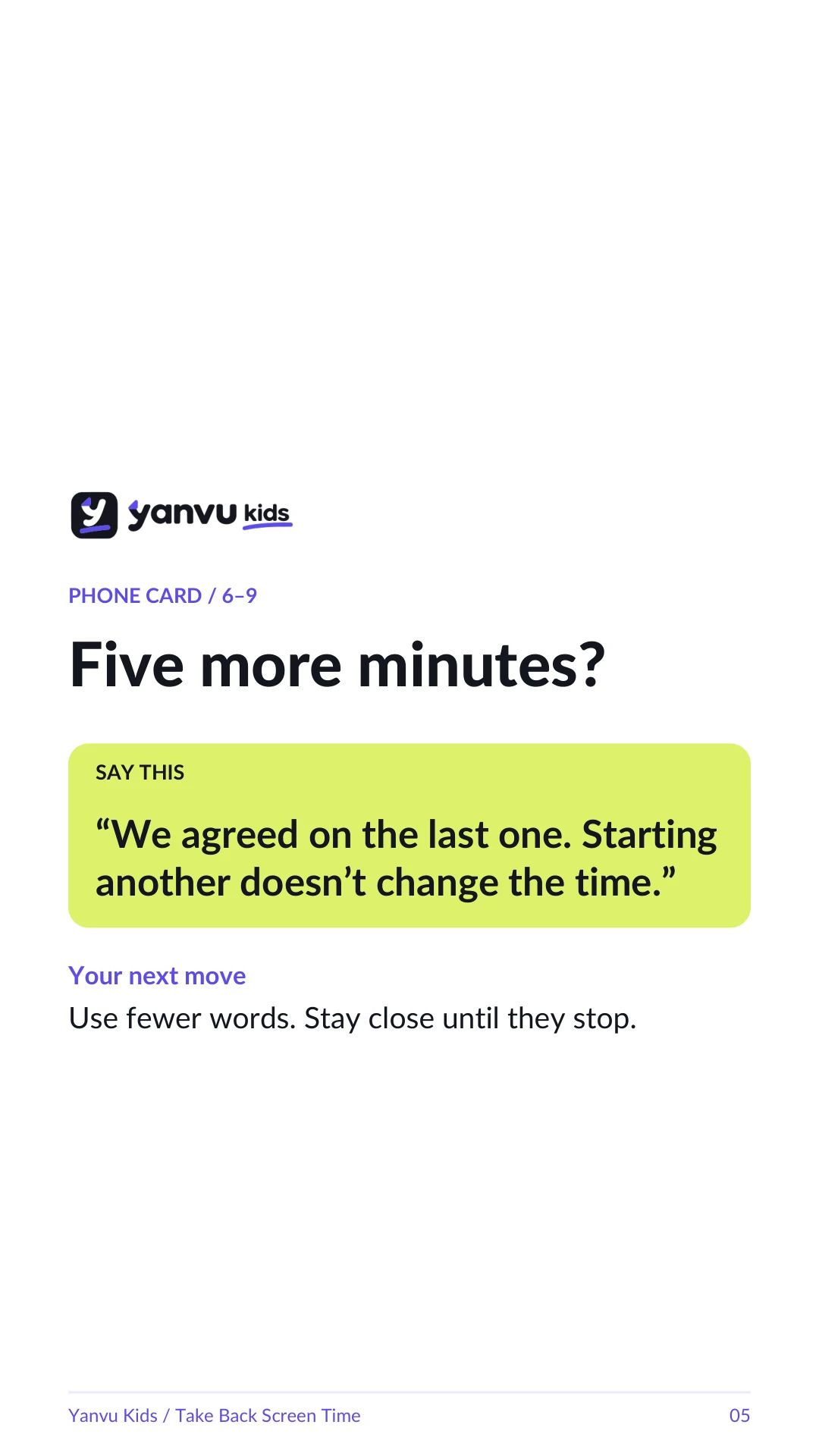
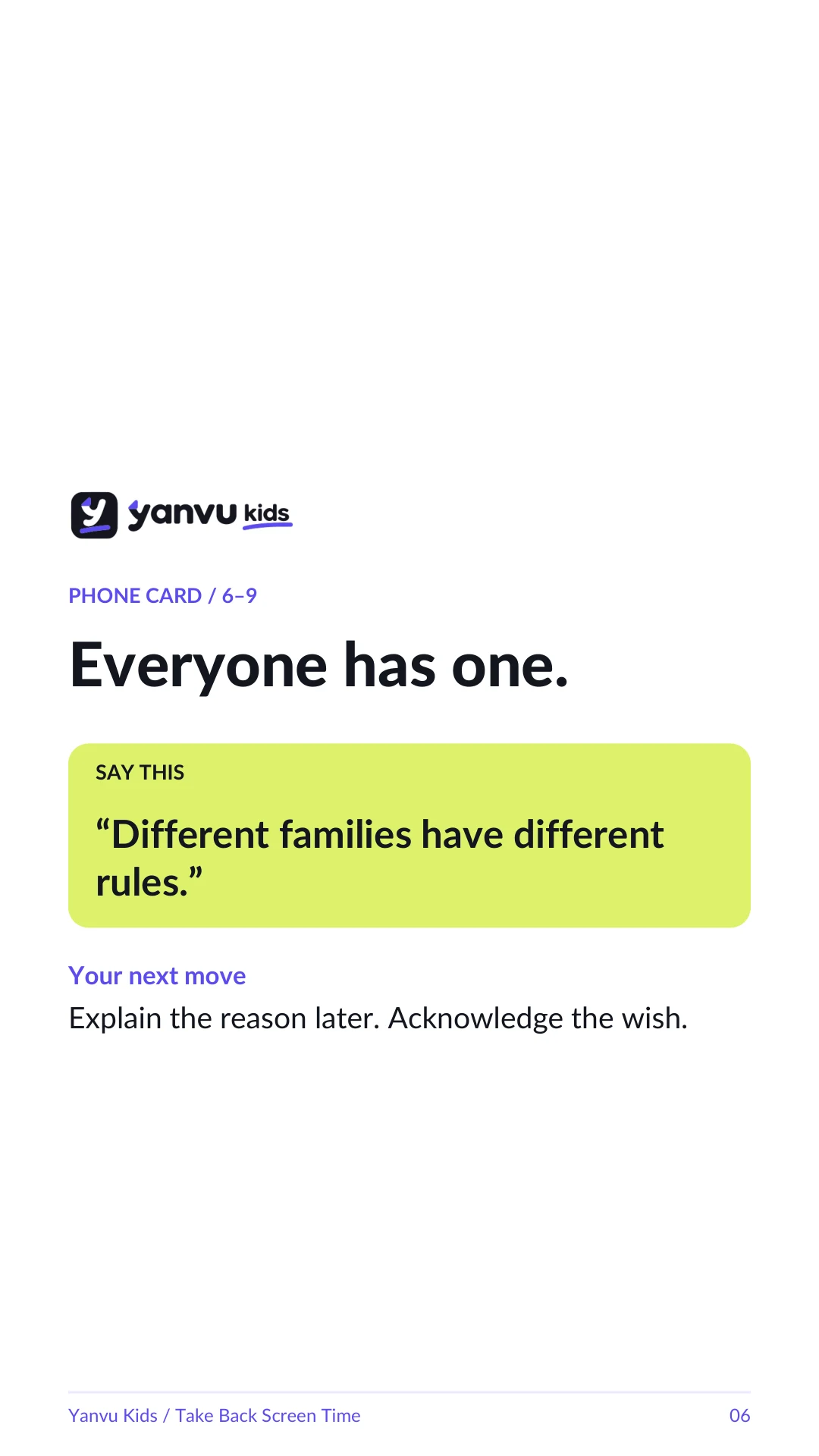
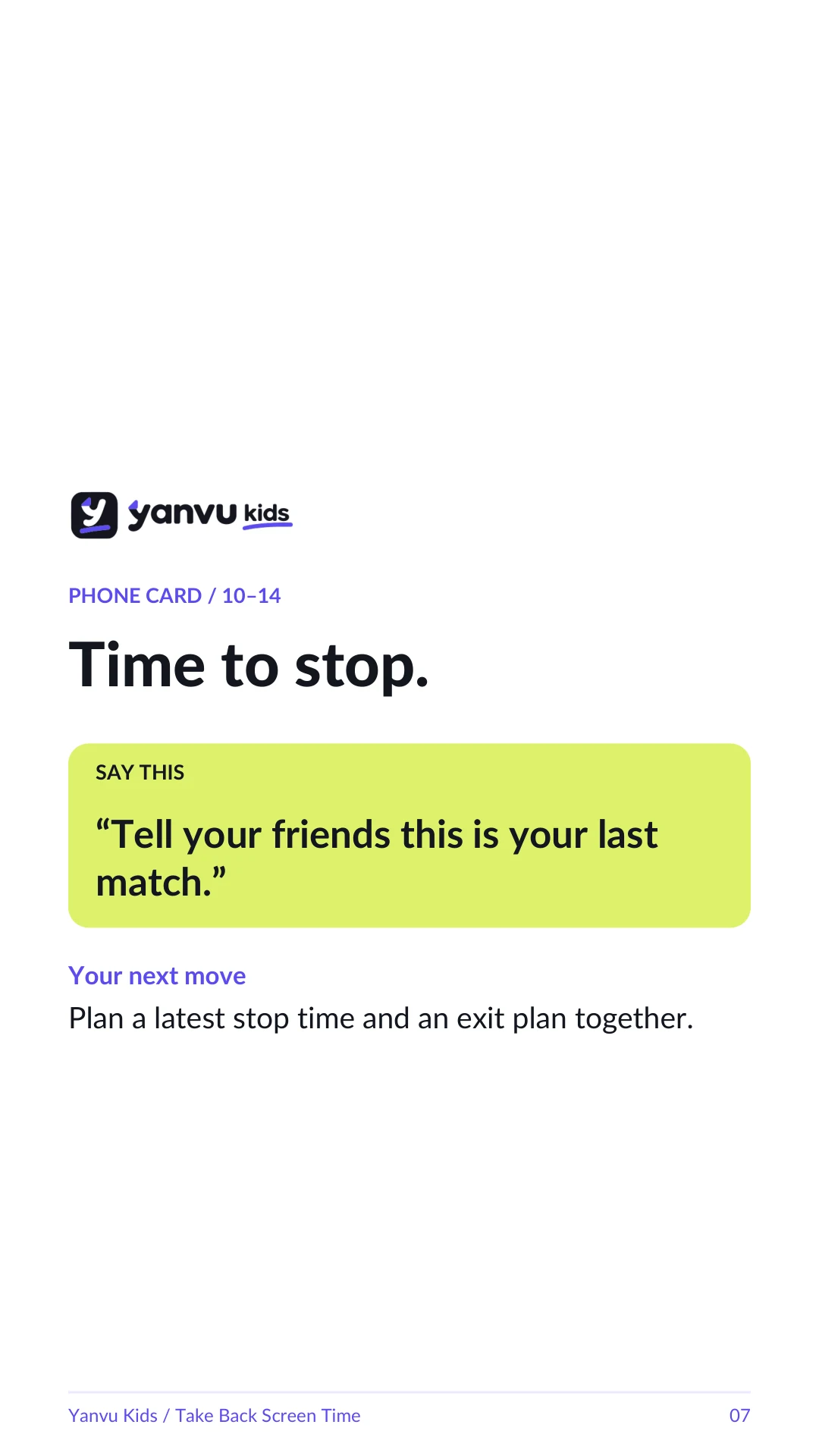
Yes. The kit includes PDFs and 15 PNG phone cards. Print the pages you need.
It’s a digital kit. Nothing is shipped.
One-time payment · Complete digital kit